ProofShare for Photographers

Your Photos. Your Clients. Your Workflow.

From image selection through post-production to final approval – one platform for you and your clients.
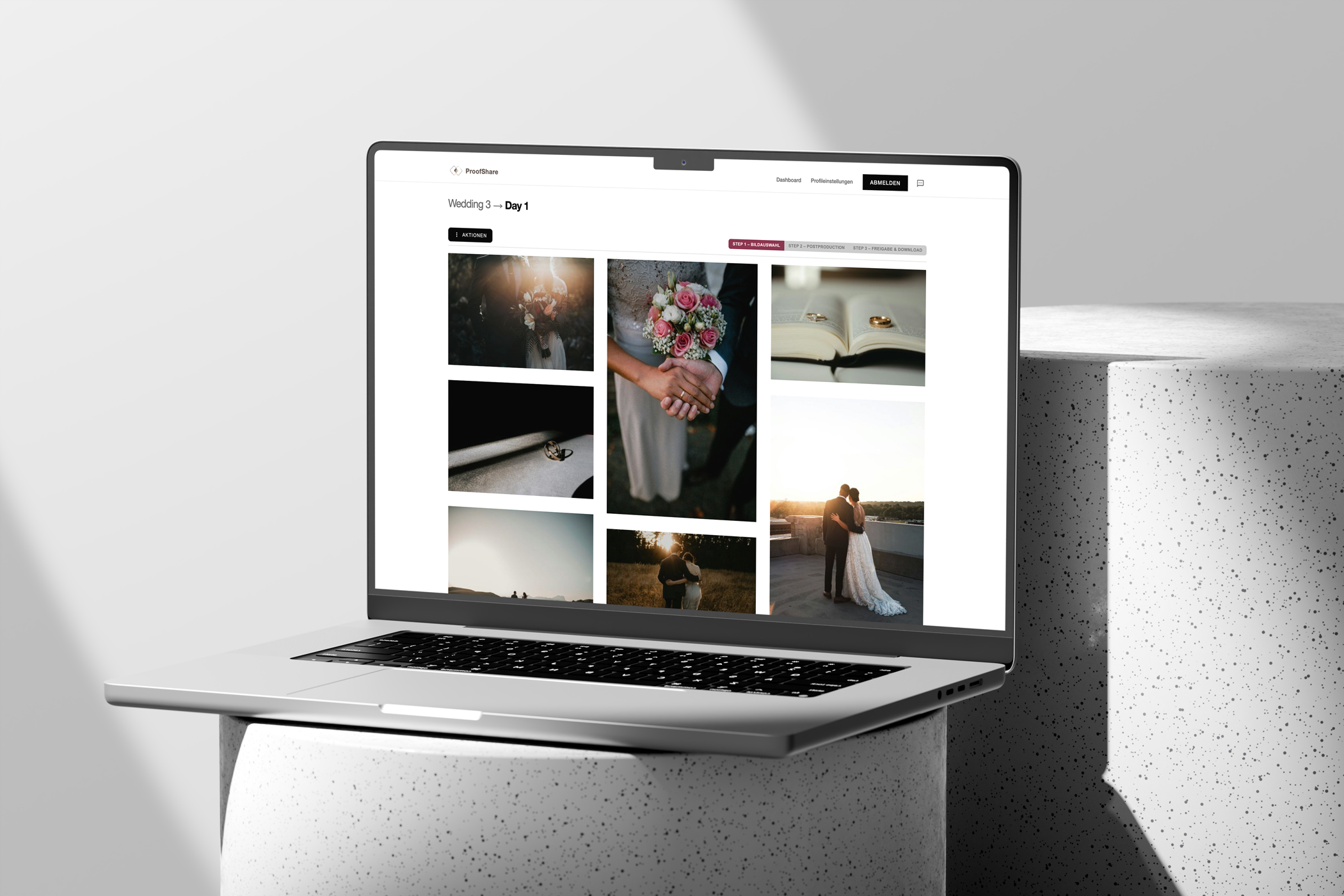
Dashboard overview

Built for professional photographers who value quality and efficiency.

Everything you need. Nothing you don't.

ProofShare was built by photographers for photographers – focused on what matters.

Album Management

Organise your shootings into albums. Upload images and share them with your clients – structured and clear.

Annotations

Clients can leave markings and comments directly on images – precise feedback for post-production.

Approval Workflow

Three-stage workflow from image selection through editing to final approval and download.

Client Portal

Your clients get their own access with an individual code – no registration required, just a link.

Download & Export

Approved images are ready for download immediately. Individually or all at once – your client decides.

Secure & Private

Your images are protected. Every album has its own access code – no public galleries.

Moodboards

Create visual moodboards for shootings – with images, colour palettes, map locations and notes. Perfect preparation for every project.

Callsheets

Organise your shootings with detailed callsheets – schedule, team contacts, map locations and all key information at a glance.

Presentation Albums

Curated image selection for your clients: create elegant presentation albums within a shooting.

Shooting planning
from the very start.

With moodboards you collect inspiration, moods and locations on the map – before the first shutter click. Callsheets consolidate schedule, team contacts and all relevant info for shoot day into one clear document.
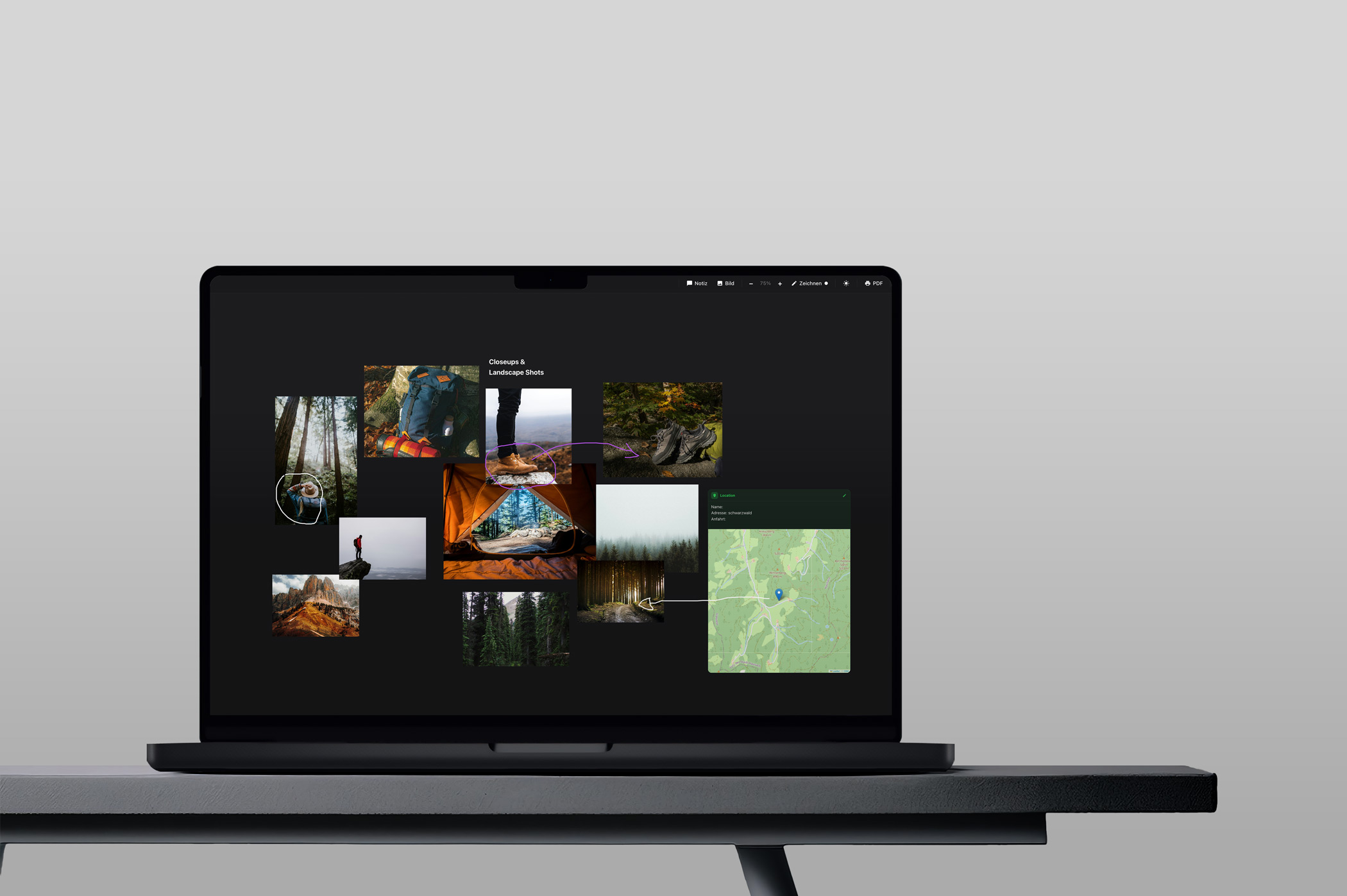
Moodboard and callsheet view

Everything in view.
From upload to approval.

Organise your shootings into albums and guide your clients through the entire workflow – from the first image selection through post-production to final approval and download.
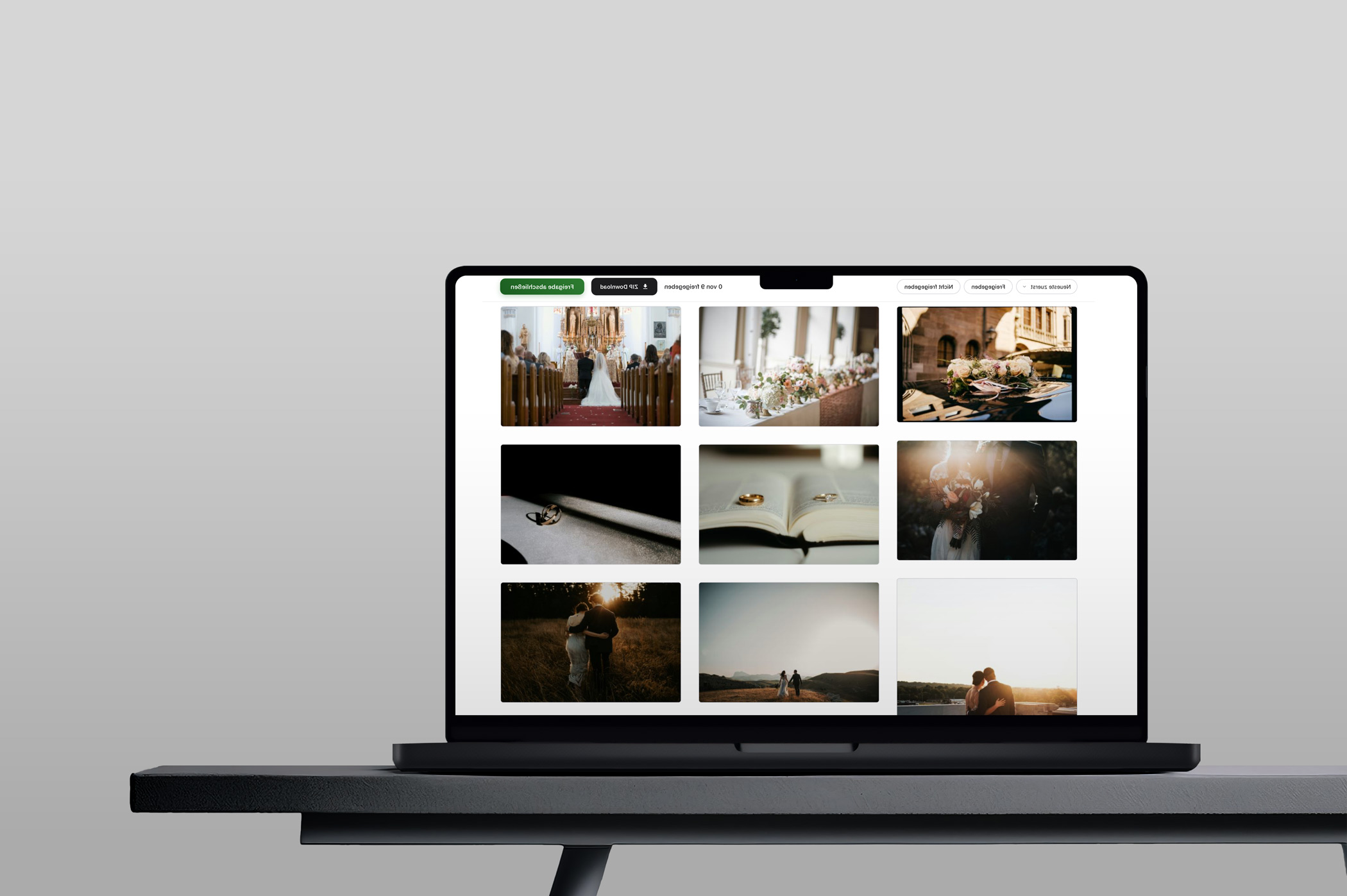
Album management and approval workflow

Feedback directly
on the image.

No back and forth by email. With the annotation feature, your clients mark exactly the spots they want to discuss – including comment threads.
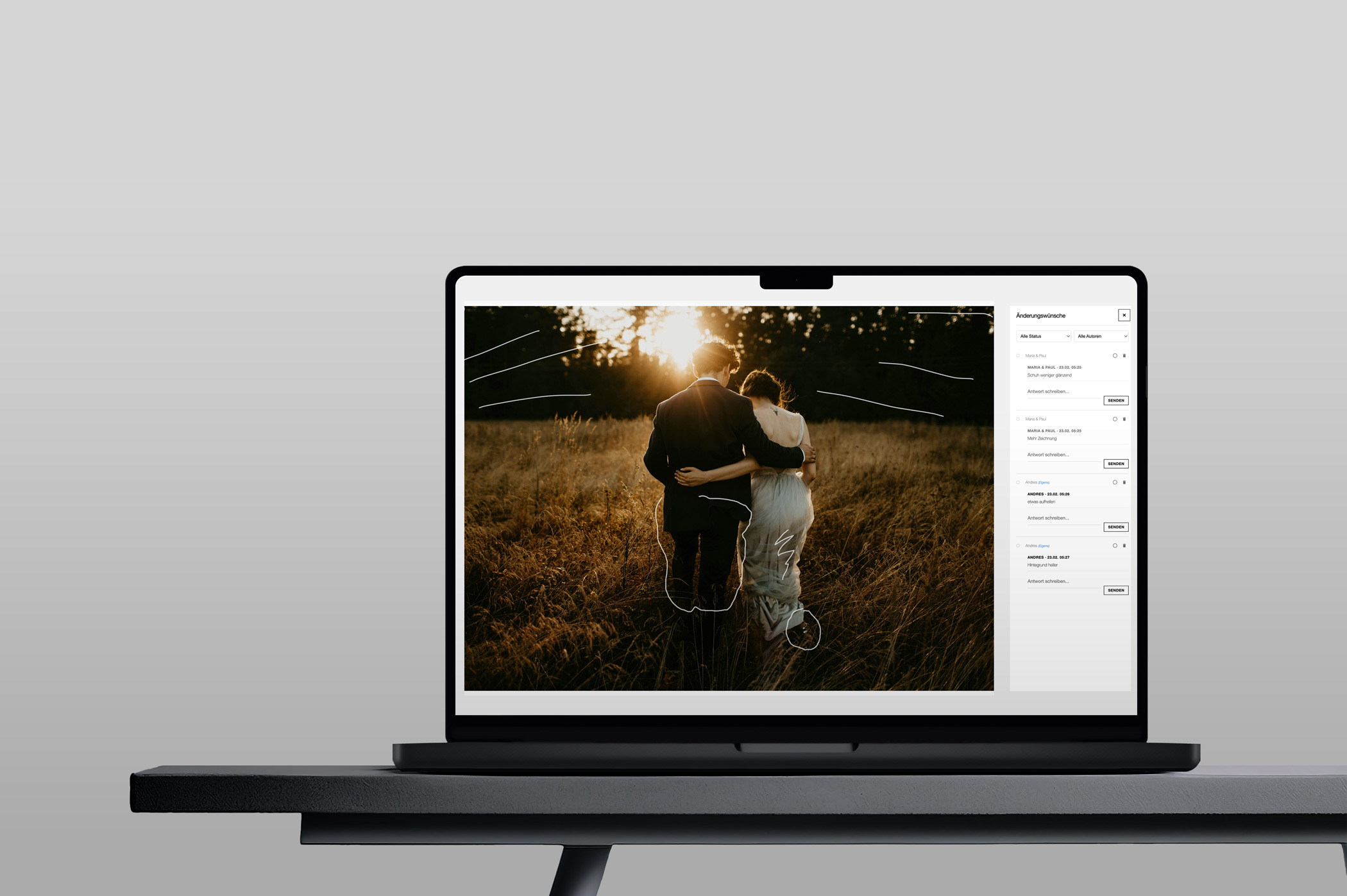
Annotation with pin markers

Presentation albums
that impress.

Curate a personal image selection directly within a shooting and present your clients exactly what matters – clearly, elegantly and without distraction.
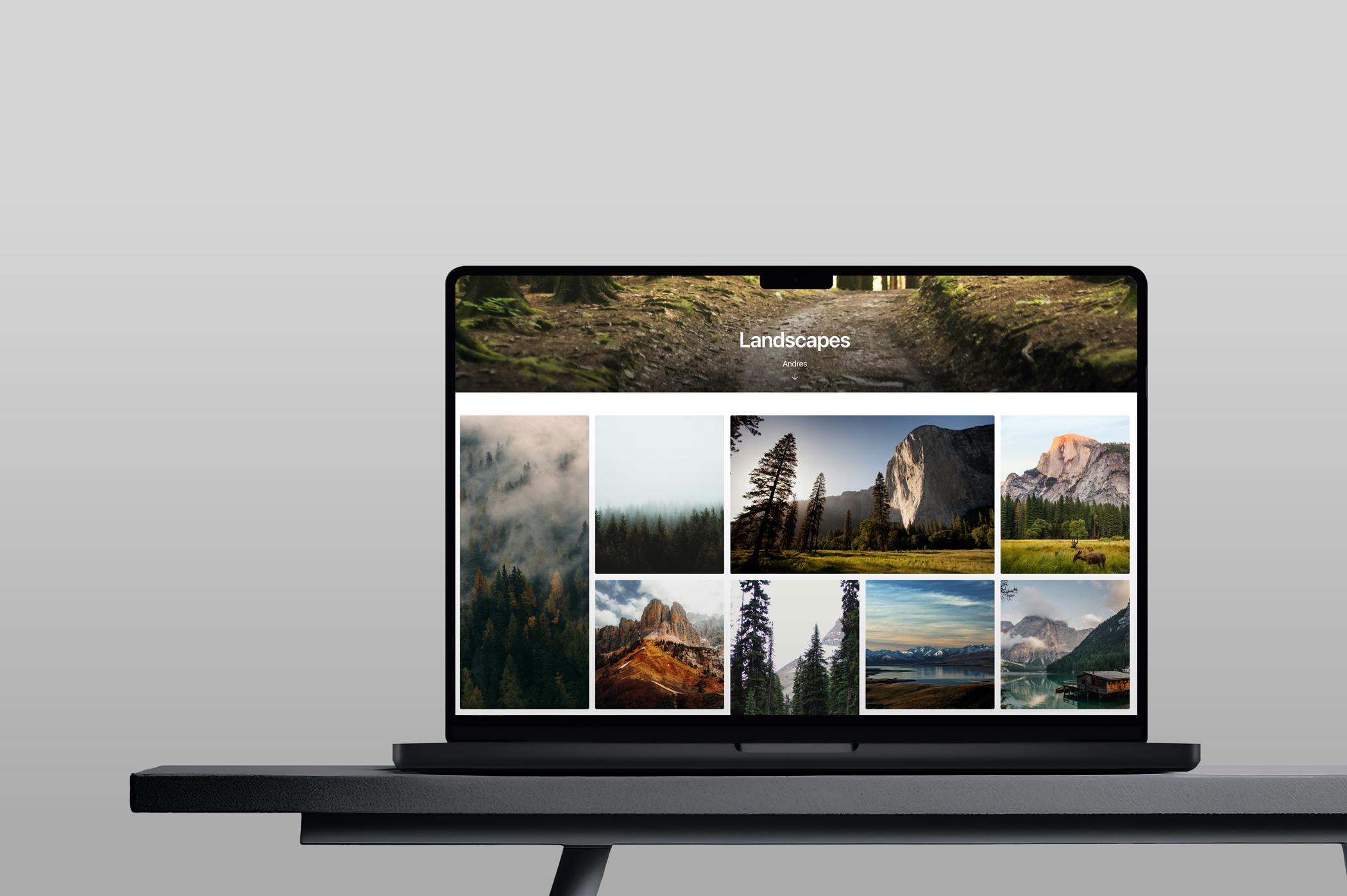
Presentation album view

Three steps. One goal.

From the first selection to the final download – ProofShare guides you and your clients through the entire process.

01

Image Selection

Your client browses the images and makes a pre-selection. Favourites are marked with a click.

02

Post-Production

You edit the selected images. Clients can give feedback on the edits via annotations.

03

Approval & Download

The final images are ready for approval. After confirmation, the client can download all images.

Frequently Asked Questions

Everything you need to know about ProofShare – at a glance.

Do my clients need an account with ProofShare?
No. Your clients don't need to register. They simply receive an access code to open the gallery directly in their browser – on any device, without downloading an app.
Which image formats are supported?
ProofShare supports JPG, PNG, WebP, and AVIF. Uploaded images are automatically stored in multiple sizes (thumbnail, preview, original).
Can I try ProofShare for free?
Yes. The Starter plan includes a 14-day free trial. A payment method is required at registration but will not be charged until the trial ends. The subscription is billed monthly and can be cancelled at any time.
Are my galleries publicly visible?
No. Albums are only accessible via an individual, secret link – without that link there is no access. An additional password can optionally be set. There are no publicly listed galleries.
How many shootings and albums can I create?
Unlimited – in all plans. The only difference between plans is the available storage (50 GB, 200 GB, or 500 GB).
How does the image selection process work for my clients?
Your client opens the gallery with the access code and marks images as favorites with a single click. You then see their selection and start post-production. After editing, you release the final images for approval and download.
Can I receive feedback directly on the images?
Yes. Clients can annotate directly on the image, marking specific areas and adding comments. This gives you precise editing feedback – without back-and-forth emails.
Does ProofShare work with Adobe Lightroom Classic?
Yes. There is an official Lightroom Classic plugin that lets you upload and publish images directly from Lightroom to ProofShare.
Can I invite external photographers or retouchers to upload images?
Yes. Using an upload link, you can enable a public drag-and-drop upload area for an album – without the person needing to register. The link can be deactivated at any time.
How does cancellation work?
ProofShare is billed monthly with no minimum contract. You can cancel at any time. After cancellation, your account remains active until the end of the paid period.

Interested?

ProofShare is currently available by invitation. Write to us and we'll get back to you.

Sending a message requires the use of Google reCAPTCHA.